
Rotate PDF
Scanned a document sideways, or received a PDF with a few upside-down pages? Open it here, choose which pages to turn — all of them, odd or even pages, a range such as 3-5, or individual pages — and rotate by 90° clockwise, 90° anticlockwise or 180°. The rotation is saved into the PDF itself, so it stays the right way up in every viewer. Your file never leaves your device.
- Free to use
- No sign-up
- Runs in your browser
Rotate PDF pages
PDF Scanning Helper Pack
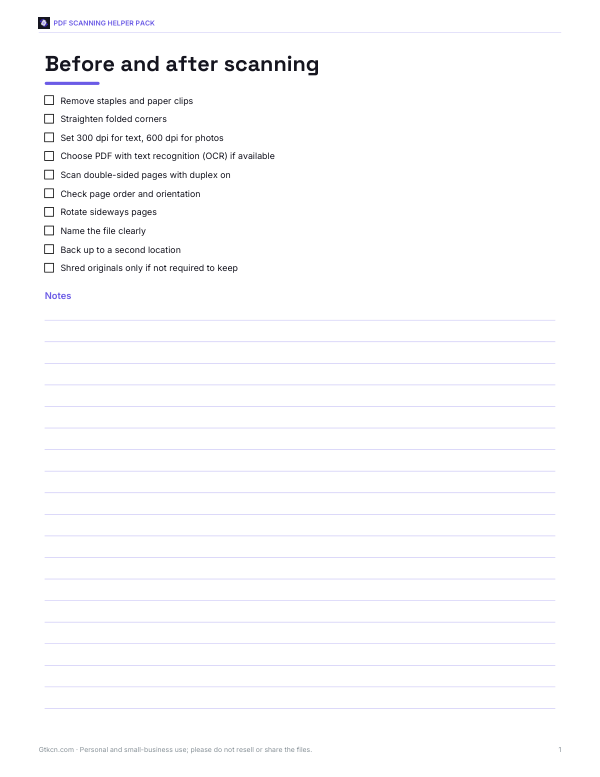
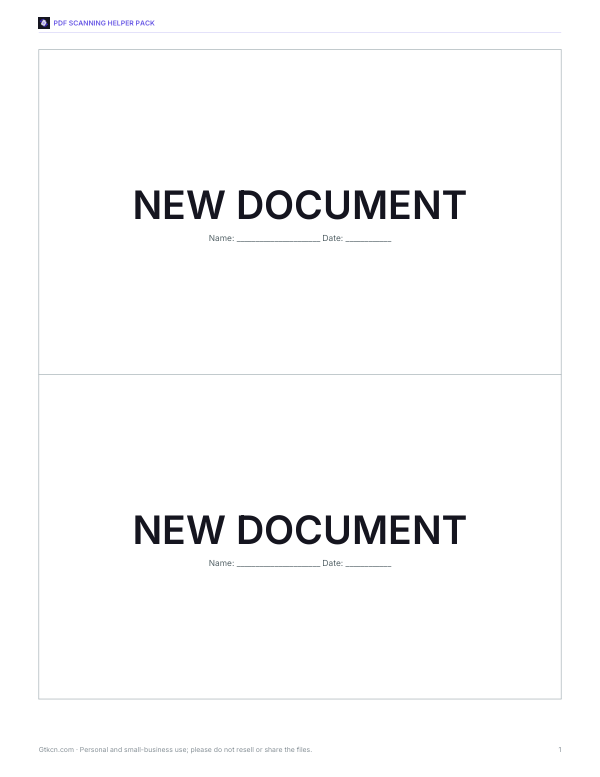
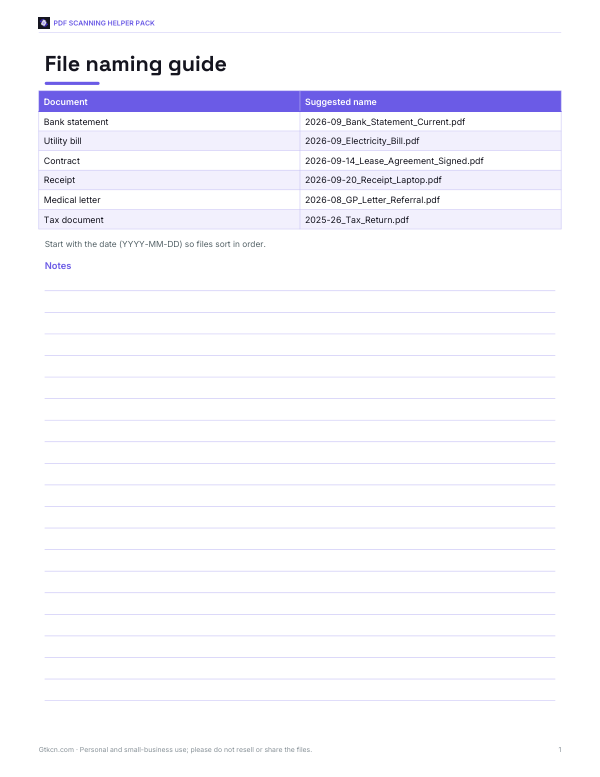
Printable scanning and PDF organisation aids: a document scanning checklist, scan batch separator sheets, a file naming guide and a document archive log.
- Scanning checklist (PDF/DOCX)
- Separator sheets (PDF)
- Naming guide (PDF)
- Archive log (XLSX)
Formats: PDF, DOCX, XLSX. Instant download after payment (link valid 72 hours, up to 5 downloads). AI-assisted: the templates were drafted with AI help and reviewed and laid out before publishing.
$3.00 USD, one-time 4 files · about $0.75 each
- Instant download
- 7-day refund
- Secure checkout by Stripe
7-day money-back guarantee. Full refund within 7 days of purchase, even after you download.
Free sample: Document Archive Log (PDF, 60 KB)
Full refund within 7 days — see the refund policy and license.
Free printables
Single sheets you can print right now, no sign-up. The full pack adds every sheet in one download plus the editable files.
 Printable Archive Log Sheet
How to rotate a PDF
- Choose your PDF file. It is read in your browser — nothing is uploaded.
- Each page appears as an outline with its number, drawn the way it will display.
- To rotate several pages at once, choose All, Odd, Even or a range such as 2-4, 9, pick the angle and press Apply rotation.
- To fix a single page, use its ↺ or ↻ buttons.
- Changed pages are highlighted in green. Press Reset to start again.
- Download the rotated PDF. Use “Open result in a new tab” to check it in your browser’s PDF viewer.
How PDF rotation works
Each page in a PDF has a Rotate setting — 0, 90, 180 or 270 degrees — that tells viewers how to display it. This tool changes that setting for the pages you choose and saves it into the file using a standard “incremental update”: the original content is kept byte for byte and a small section is added at the end with the new page settings. That means text, images, links, bookmarks and form fields are untouched, quality does not change, and the file grows by only a few hundred bytes.
Rotating in a viewer versus rotating the file
| Method | What happens |
|---|---|
| Rotate view in a PDF reader | Only changes how you see it now; the file is unchanged unless you save |
| Rotate and save the file (this tool) | The new orientation is stored, so the pages open correctly for everyone |
| Print to PDF | Creates a new file but can lose links, text selection and quality |
| Re-scan the document | Slow, and the new scan may still be crooked |
Common situations
- Sideways scans — landscape pages scanned in portrait. Rotate those pages 90°.
- Double-sided scans where every second page is upside down — choose Even pages and 180°.
- Mixed documents with a few landscape tables or charts — rotate only those pages by range.
- Phone photos saved as PDF that open sideways — rotate all pages.
- Presentation handouts — rotate landscape slides so they fill the screen.
Worked example
A 12-page scanned contract has its schedule tables on pages 9–11 scanned sideways, and page 4 upside down. Choose “Page range”, type 9-11, pick 90° clockwise and press Apply; then press ↻ twice on page 4. Four pages are marked as changed. Download the file — it is saved as contract-rotated.pdf and opens correctly in any PDF reader.
Preventing sideways pages next time
- On a flatbed scanner, place pages in the orientation shown by the scanner’s corner marker.
- In a document feeder, load pages face-up or face-down as the machine shows, with the top edge first.
- Turn on “auto-rotate” or “text orientation detection” in scanning software if it has it.
- When using a phone scanning app, hold the phone in the same orientation as the paper.
- Scan landscape and portrait pages in separate batches if your scanner struggles with mixed sizes.
Rotating on different devices
Because the tool runs in a web browser, it works the same way on Windows, Mac, Linux, Chromebooks, iPhones, iPads and Android phones — there is nothing to install. On a phone, tap “Choose file” to pick a PDF from your files, downloads or cloud storage, rotate the pages, then save the downloaded file back where you need it or share it straight from the download notification.
Clockwise or anticlockwise?
Look at the top of the text on the page. If the top of the text points left, rotate 90° clockwise; if it points right, rotate 90° anticlockwise; if the text is upside down, rotate 180°. The outlines in the tool show the page number turned the same way as the page, so you can check before downloading.
Limits
| Case | What happens |
|---|---|
| Password-protected or encrypted PDFs | Not supported — remove protection in a PDF reader first, if you are permitted to |
| Very large files (hundreds of MB) | May be slow or run out of memory on phones |
| Damaged PDFs | The tool attempts a repair of the cross-reference table; some files may still fail |
| Digitally signed PDFs | Changing the file will make existing signatures show as modified |
The tool reads the page structure but does not render page images, so the outlines show page shape and orientation rather than a picture of the content. Open the result to check it.
Privacy
The whole process runs in your browser using JavaScript. The PDF is never uploaded to a server, and nothing is stored after you close the page — useful for contracts, medical letters, bank statements and other private documents.
Frequently asked questions
How do I rotate a PDF and save it?
Open the PDF here, rotate the pages and download the rotated file.
Can I rotate just one page?
Yes, use the ↺ or ↻ buttons under that page.
Is my PDF uploaded?
No, everything happens in your browser.
Does rotating reduce quality?
No, the page content is not changed; only the page’s rotation setting is updated.
Can I rotate odd or even pages only?
Yes, choose Odd pages or Even pages before applying.
Why can’t I rotate an encrypted PDF?
Protected files can’t be changed without the password; save an unprotected copy first if you are allowed to.
Will bookmarks and links still work?
Yes, they are kept because only the rotation setting changes.
Does it work on a phone?
Yes, it runs in any modern mobile browser.
Is there a page limit?
No fixed limit; very large files may be slow on older phones.